

the photographer store.
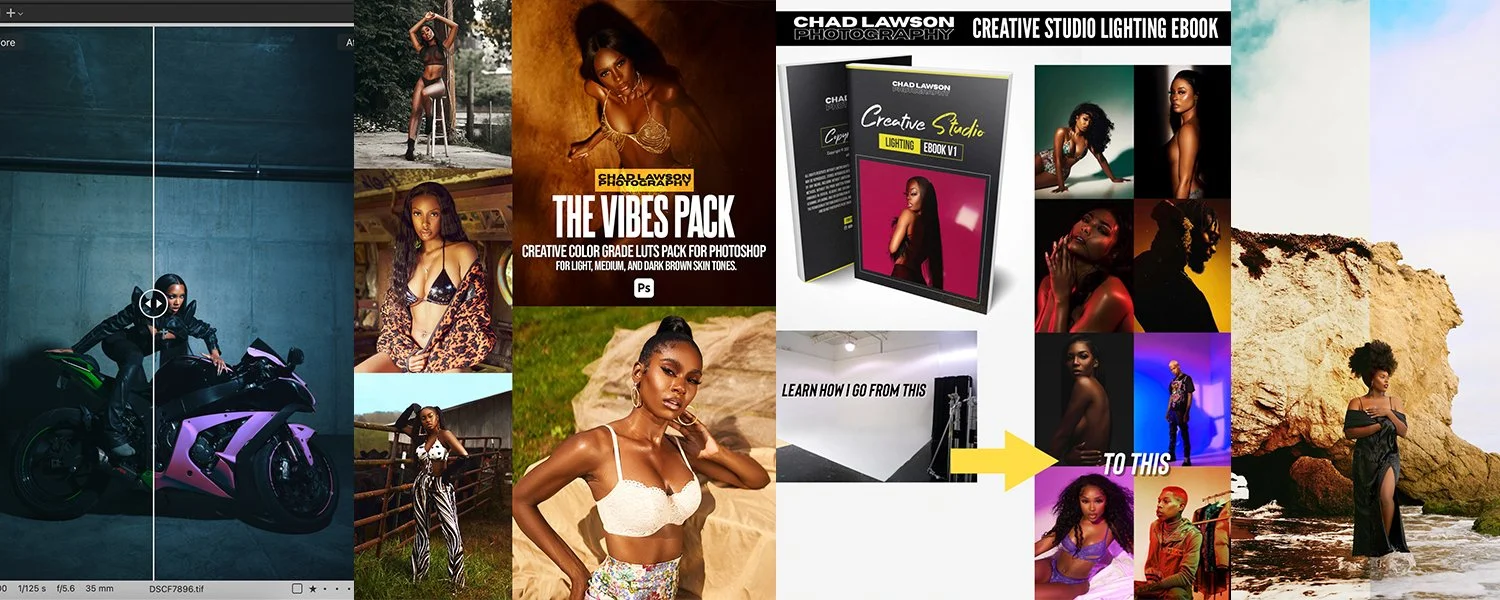
most photographers settle. these tools are for the ones who don't... and they don't miss.
best sellers.
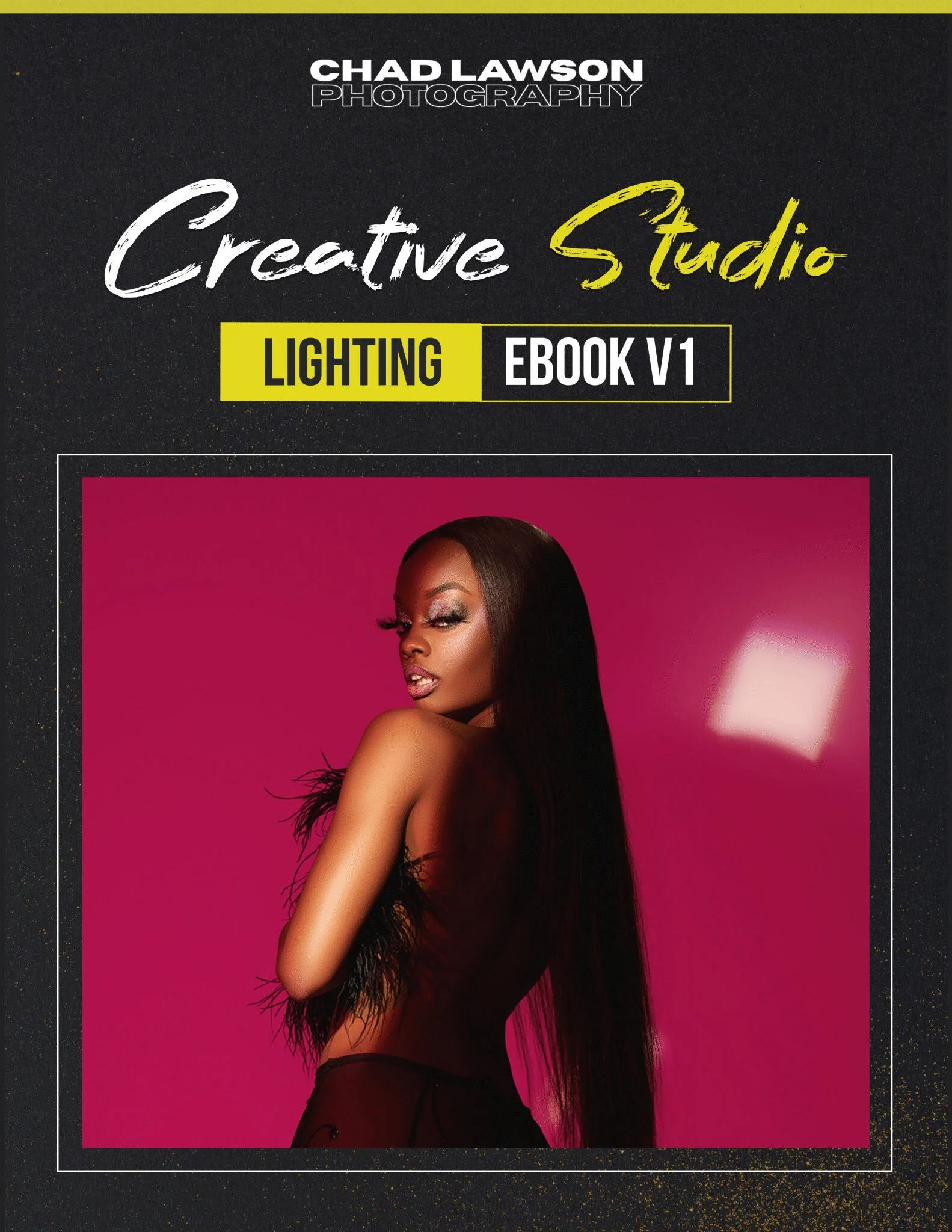
Creative Studio Lighting — Vol. 1 by Chad Lawson Photography
Take your studio lighting to the next level with this in-depth digital guide featuring 8 unique lighting setups pulled directly from 8 real photoshoots. Whether you're just getting started with studio lighting or looking to expand your knowledge, this ebook breaks down each setup so you can recreate and build upon them in your own work.
What's included:
8 detailed studio lighting setups
Real examples from 8 different photoshoots by Chad Lawson Photography
Instant PDF download (70MB)
⚠️ This is a digital product. Sharing, redistributing, or forwarding this file is strictly prohibited. All sales are final — no refunds or exchanges on digital purchases.
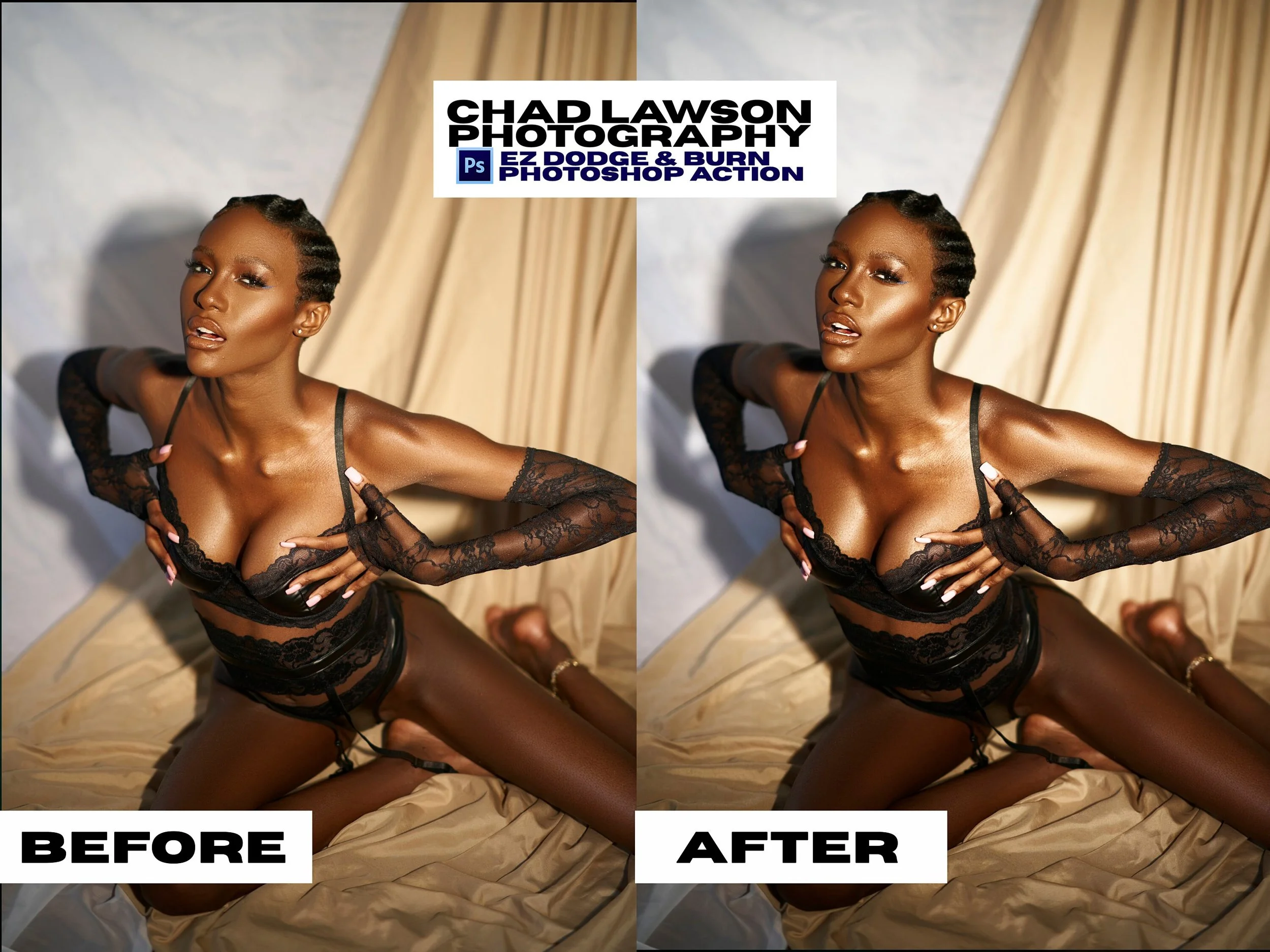
The E-Z D&B Photoshop Action gives your images a beautiful finishing touch by enhancing the highlights and shadows across your entire image — making your dodge & burn process faster and easier than ever.
While this action is not a complete replacement for manual dodge & burn, it serves as a powerful enhancement step that adds depth and dimension to your edits with just one click.
⚠️ Adobe Photoshop is required to use this action.
Once applied, the action creates separate dodge and burn adjustment layers, giving you full control to fine-tune the results by simply adjusting the opacity of each layer to your liking.
Please view the example images to see the potential of this action in your editing workflow.
DISCLAIMER: The images in the examples will include different lighting and tones to yours, so results will look different from image to image.
-NO REFUNDS OR EXCHANGES ON DIGITAL PRODUCTS-
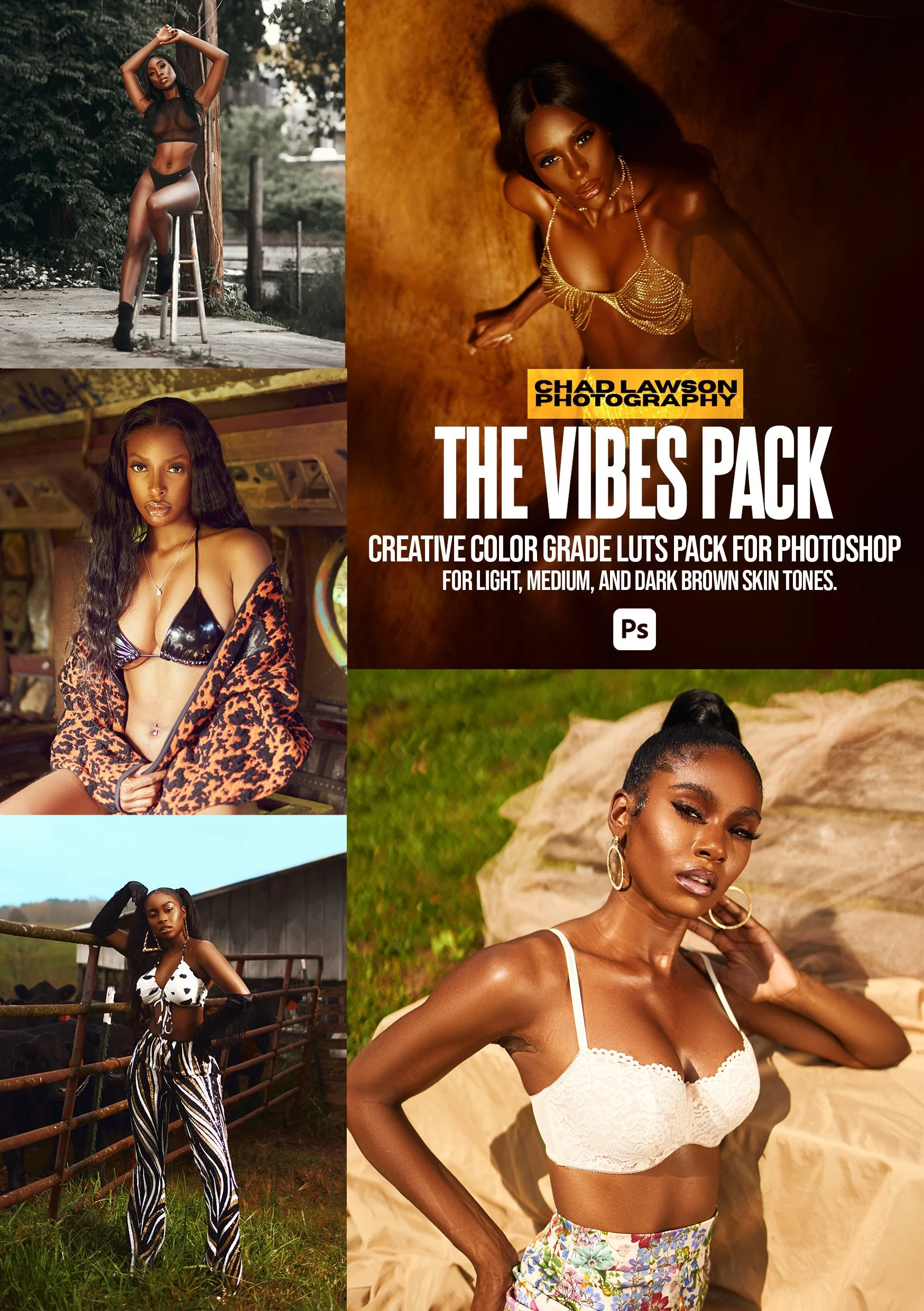
The VIBE LUT Pack can be used to give your images and footage a totally different VIBE with color grading. While I primarily develop and use these LUTs for photos, they also work great for video color grading (after Rec. 709 conversion).
*Results will vary depending on your photo/video lighting, camera type, and settings — you'll need to experiment with opacities and other adjustments to dial in the look. You can use a single LUT or mix several for unique combinations and custom color grades.
This pack contains 10 LUTs. VIBE1-VIBE11.
LUTs are color look up tables that allow you to easily add color grading adjustments to your images and footage. They can be used in the initial color grading steps or just used at the end as a finishing touch.
Please view the example images to see the color grading potential of the LUTs featured in this listing.
Watch my YouTube video to see how to use my LUTs in Adobe Photoshop: https://youtu.be/7hri0vKExL0
Install guide is included (note: install guide is tailored for Adobe Photoshop. For all other programs, please refer to your software's documentation for LUT installation instructions.)
Compatible Programs — Photo Editing: Adobe Photoshop, Affinity Photo, Luminar Neo, ON1 Photo RAW, DxO PhotoLab, and any other program that supports .CUBE LUT files.
Compatible Programs — Video Editing: Adobe Premiere Pro, DaVinci Resolve, Final Cut Pro, Adobe After Effects, LumaFusion, CapCut (desktop version only — mobile app does not support LUT import), and any other program that supports .CUBE LUT files.
⚠️ Please research your software's LUT compatibility before purchasing to ensure these files will work with your editing program of choice.
DISCLAIMER: The images in the examples will include different lighting and tones to yours, so these LUTs will look different from image to image.
-NO REFUNDS OR EXCHANGES ON DIGITAL PRODUCTS
Made to Order
❋
Recycled Materials
❋
Handcrafted
❋
Quality Stoneware
❋
Made to Order ❋ Recycled Materials ❋ Handcrafted ❋ Quality Stoneware ❋